Setup Guide - GCM 360 Connector
Follow our setup guide to connect GCM 360 to DataChannel.
|
Prerequisites
To connect GCM 360 to DataChannel, you need:
|
Setup instructions
-
Select a data destination for your GCM 360 Data. If you have not yet added a data warehouse, go to data warehouse tab and add a warehouse.
Data Warehouse once selected cannot be changed. -
Authorise DataChannel to connect to your GCM 360 account using OAuth using the process described here.
-
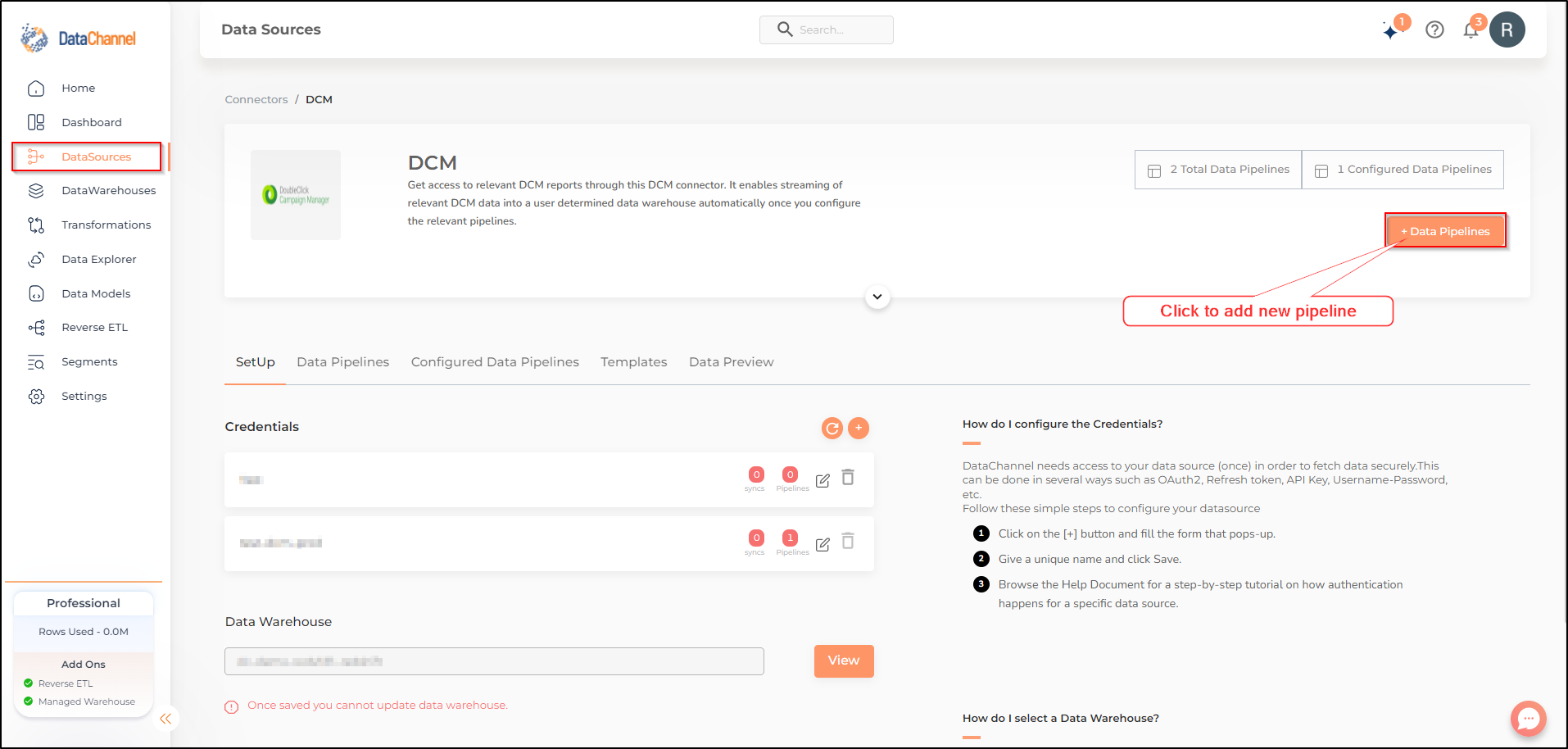
Click on + Data Pipeline to start adding data pipelines to your account.
-
Details of individual objects and reports are available here.