Data Sources
Supported Data Sources
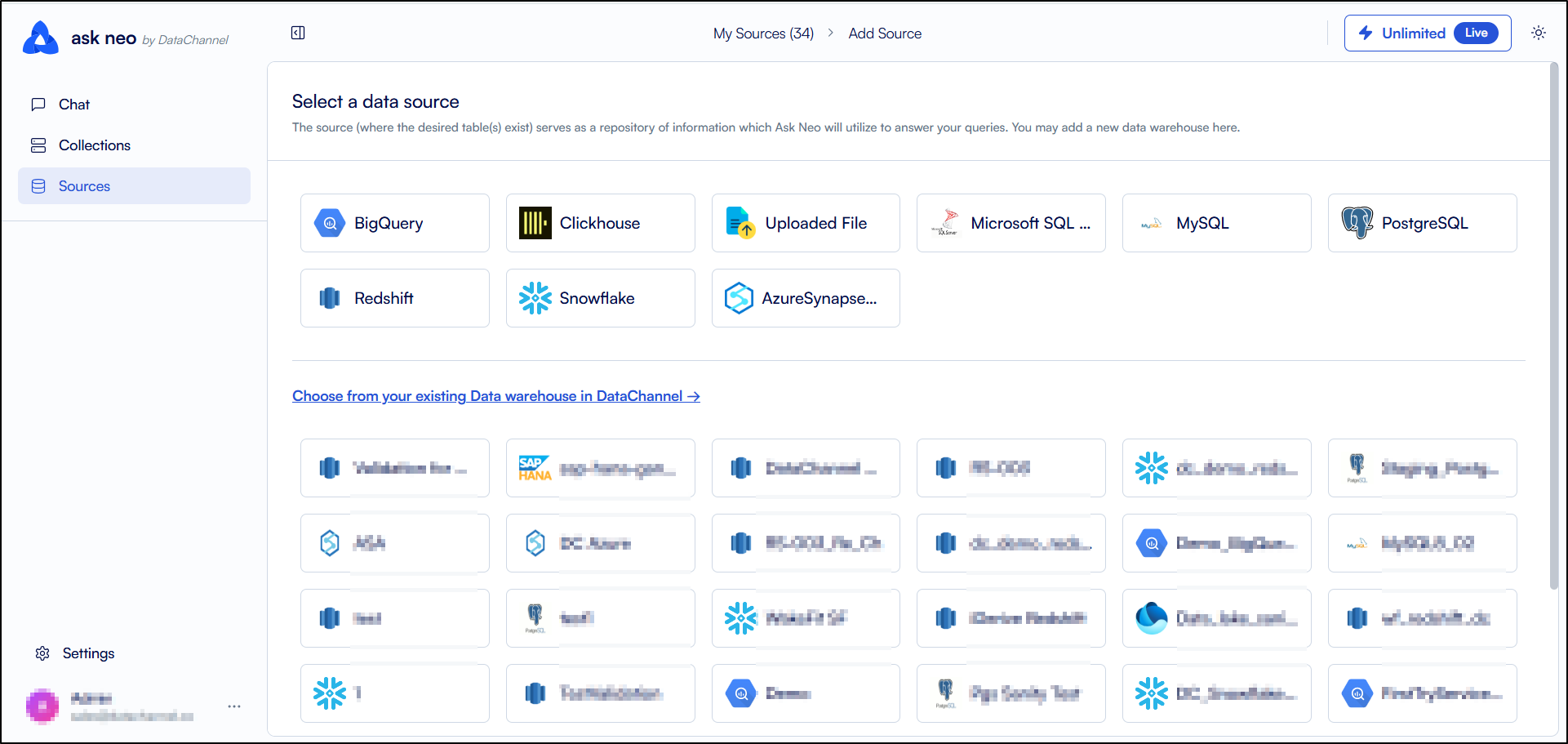
Neo supports a variety of data sources that allow you to connect, extract, and manage data from databases, cloud data warehouses, and files. Select the appropriate data source based on your storage platform and refer to its documentation for connection and configuration instructions.
-
Amazon Redshift: Connect to Amazon Redshift to query and manage data stored in your cloud data warehouse. For setup instructions, see Amazon Redshift.
-
Snowflake: Connect to Snowflake to access and manage data stored in your Snowflake data warehouse. For setup instructions, see Snowflake.
-
PostgreSQL: Connect to PostgreSQL databases to read and manage relational data. For setup instructions, see PostgreSQL.
-
Azure Synapse Analytics: Connect to Azure Synapse Analytics to work with enterprise-scale analytical data. For setup instructions, see Azure Synapse Analytics.
-
Microsoft SQL Server: Connect to Microsoft SQL Server databases to access and manage relational data. For setup instructions, see Microsoft SQL Server.
-
MySQL: Connect to MySQL databases to retrieve and manage transactional data. For setup instructions, see MySQL.
-
ClickHouse: Connect to ClickHouse for high-performance analytical queries on large datasets. For setup instructions, see ClickHouse.
-
Google BigQuery: Connect to Google BigQuery to analyze and query data stored in Google’s cloud data warehouse. For setup instructions, see Google BigQuery.
-
Flat File: Upload and work with data stored in supported flat file formats such as CSV. For setup instructions, see Flat File.
Still have Questions?
We’ll be happy to help you with any questions you might have! Send us an email at info@datachannel.co.
Subscribe to our Newsletter for latest updates at DataChannel.